
Breton CNC Saws & Work Centres
A hallmark of quality in the stone industry. Our product range is designed to meet the needs of both intricate design work and high-volume production, ensuring that no matter the scope of your project, you have the right machinery at your disposal. Breton's reputation for durability and advanced technology is unmatched, offering you the very best build quality in today's market. Explore our selection and find out how these state-of-the-art machines can become the cornerstone of your operation, boosting efficiency and quality in every cut you make.
12 products
Filter
Choose your option
Choose your option
Choose your option
Choose your option
Choose your option
Choose your option
Choose your option
Choose your option
Choose your option
Choose your option
Choose your option
Choose your option


Breton Sphera
Conceived and developed for advanced and intuitive management of slab transformation into a finished product, Breton Sphera is the proprietary software suite for numerically controlled bridge saws.
The Breton Sphera suite has a series of basic modules dedicated to specific functions. The operator is always guided when programming cuts: the software proposes exclusively “logically possible” operations at each step; a sort of “tutor” that makes it possible to save hours of work by avoiding errors and oversights.
Also, the slabs in the system can be easily selected and identified because, unlike standard commercial applications, the system has a preview function: scrolling rapidly through the database means you can easily find what you wish to cut.
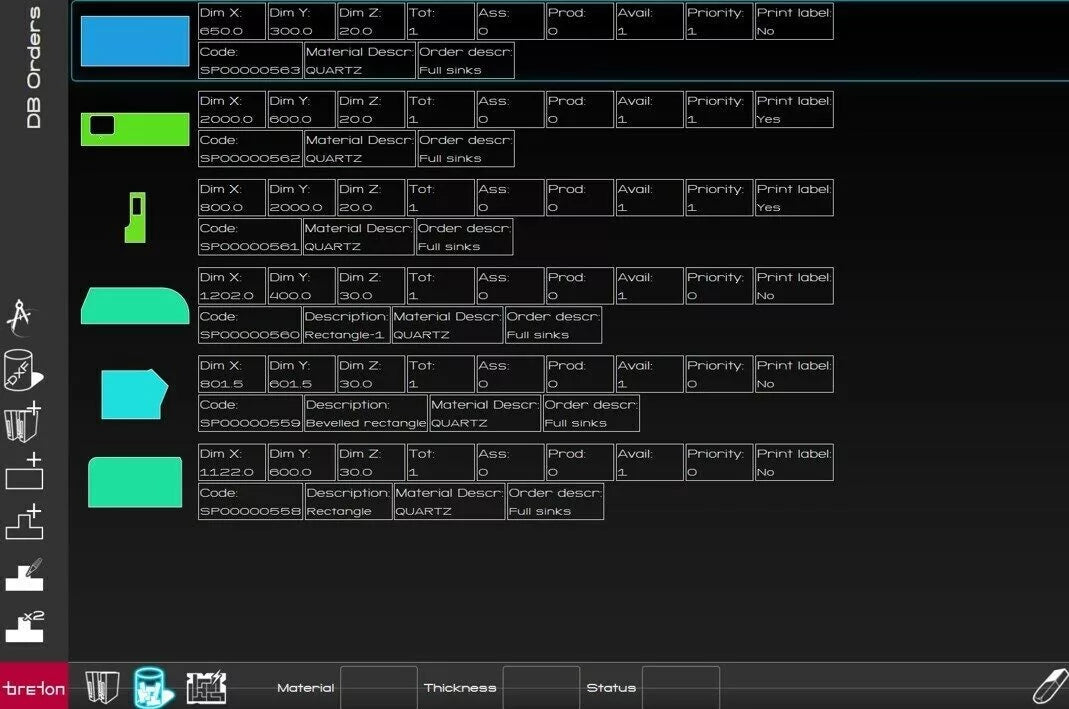
Order Manager
Order Manager allows you to manage orders, their level of completion and their priority in such a way that the automatic nesting process fulfils them before other orders.
You can import DXF files, Excel files, or simply define rectangles using the QuiDraw module to draw the project.
You can also see which slabs are available in order to organise procurement operations.
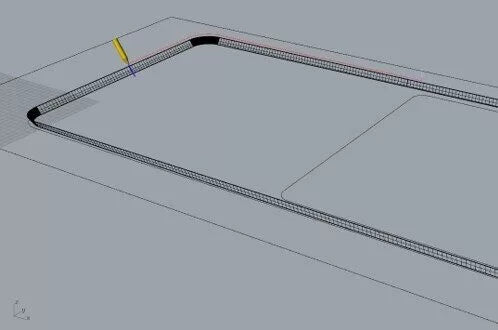
Profiles
Profiles allows block processing and creation of ‘simple’ profiles, which can be described by means of two 2D curves: projection path and cross section.
In combination with the QuiDraw module you can create a library of projection paths and cross sections.
Profiles
Profiles allows block processing and creation of ‘simple’ profiles, which can be described by means of two 2D curves: projection path and cross section.
In combination with the QuiDraw module you can create a library of projection paths and cross sections.
Sloping Board
Sloping board allows creating a top with sloped sink.
After importing the DXF of the top, only the maximum and minimum depth of the sloping board need to be defined. The system creates the 3D of the workpiece and the CAM for the waterjet tool.
Surfacer
Surfacer allows you to manage slab surface processes by means of brushing heads.
The software allows you to:
- use the machine camera to capture the slab
- manage the toolpath on the slab, choosing from several predefined paths
- change the toolpath technological parameters (speed, pressure, tool approach,…)
- sequence several brushing operations using heads with different tools
- save preferred settings in recipes that can be reused for future jobs
QuiSink
QuiSink allows you to cut channels and sink hole rebates.
The software allows you to:
- cut drainage grooves towards the sink hole, managing their depth according to the material thickness measured by means of a sensing cycle performed automatically by the machine
- cut the rebate around the sink hole required for installation of flush mount sinks, managing the rebate depth based on the material thickness, measured by means of a machine automatic sensing cycle
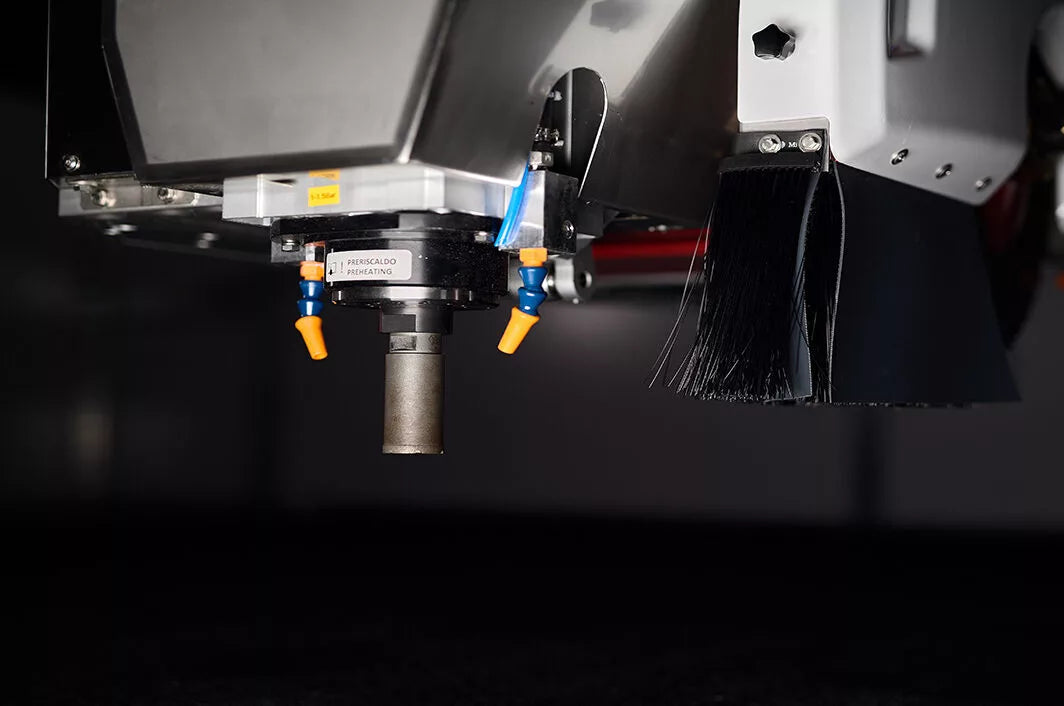
Rocket Tool
In combination with QuiSink, Rocket Tool makes it possible to manage machining processes when the supplementary motor spindle is installed on the machine
LabelPro
LabelPro allows you to manage the labelling process if the machine is equipped with a labeller.
Sphera Office
Sphera Office is the Breton Sphera desktop version.
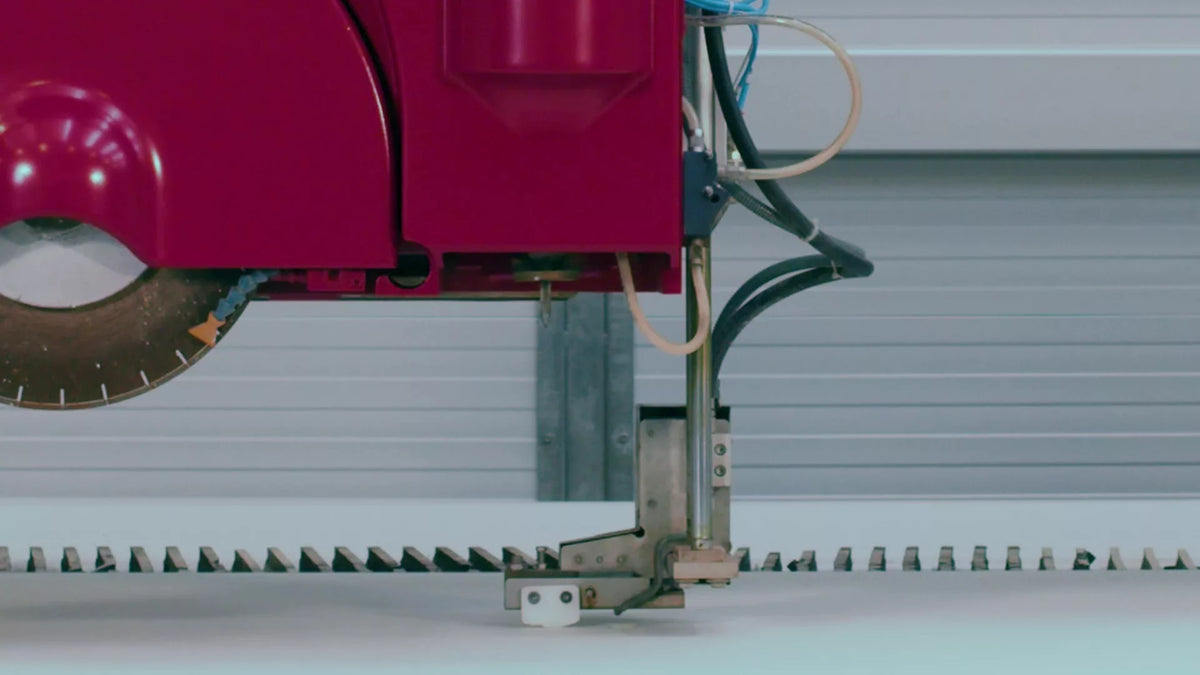
Miterwave Touch
Miterwave Touch dynamically compensates for irregularities in the material during the cut in order to obtain perfect joints on mitre cuts.
You can also use this function as a mechanical touch probe simply for determination of slab thickness.
Vein Matching
Vein Matching allows evolved pre-determination of slab selection and cutting operations so that the veins of the pieces can be matched during installation, creating bookmatch veining effects.
Slab Queue
Slab Queue is used to define the machining programs execution list as prepared on the loading buffer.
Cutting programs can be defined by the technical department in advance using the Breton Sphera Office suite, which provides all the basic functions needed to prepare the slabs nesting and machining strategy.
Sapiens
Different materials require different cutting strategies and Breton Sapiens allows these strategies to be established and adapted to each requirement.
This software effortlessly generates different cutting plans for each type of material, experiencing greater efficiency, reduced waste and increased productivity.


Breton Maestro
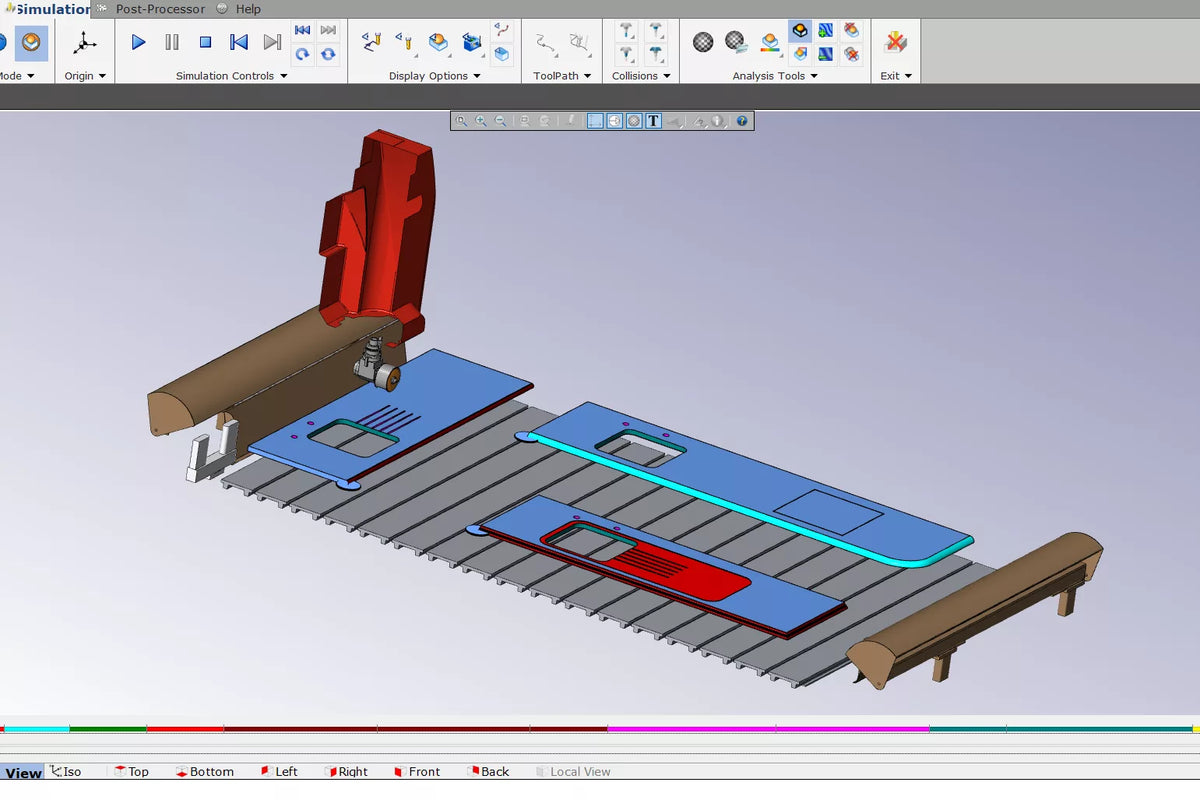
Dedicated proprietary software suite for numerically controlled contouring and shaping centres, conceived and developed for advanced management of the production of countertops, blocks or complex sculptural artworks.
Breton Maestro 3 is the version dedicated to 3 interpolated axis NC machining centres for production of simple shapes by means of the extended2.5D machining set with milling cutter, 2D machining with vertical/horizontal disc, 3D machining with vertical disc and basic 3D roughing and finishing.
Top
Top is the dedicated module for modelling and machining kitchen worktops, vanity tops and many other types of furniture elements.
Top can be integrated with the Mill module.
Mill
Mill is the dedicated module for milling objects defined both by 2D geometries and by 3D surfaces.
Mill can be integrated with the Top module.
Flux
Flux is the dedicated module for creating kitchen worktops for flow-thru machining centres fed by belt tables.
Virtual Machine
Virtual Machine is the module that makes it possible to virtually simulate the complete work process, highlighting possible collisions between the machine body, the workpiece and the installed equipment.
Breton Maestro 3+2
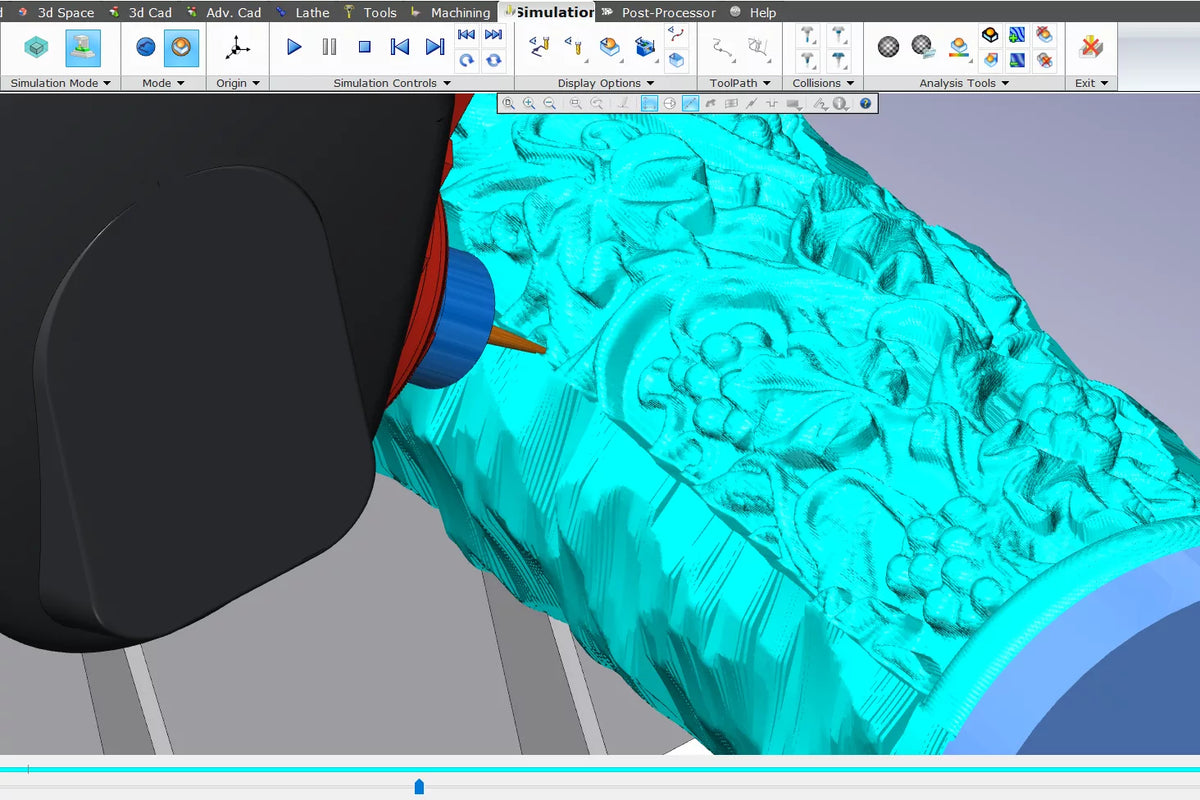
Breton Maestro 3+2 is the version dedicated to5-axis NC machining centres with 3 interpolated axes and 2 axes positioned to create relatively complex shapes by means of an extended set of 2.5D machinings with milling cutter, 2D machinings with vertical/horizontal disc, 3D machinings for roughing, finishing, and projection on surfaces with discs and cutters.
Mill
Mill is the dedicated module for milling objects defined both by 2D geometries and by 3D surfaces.
Turn
Turn is the dedicated module for turning operations for NC machining centres equipped with a lathe that allow the creation of columns, balustrades, statues and architectural objects
Virtual Machine
Virtual Machine is the module that makes it possible to virtually simulate the complete work process, highlighting possible collisions between the machine body, the workpiece and the installed equipment.


Breton Pulse
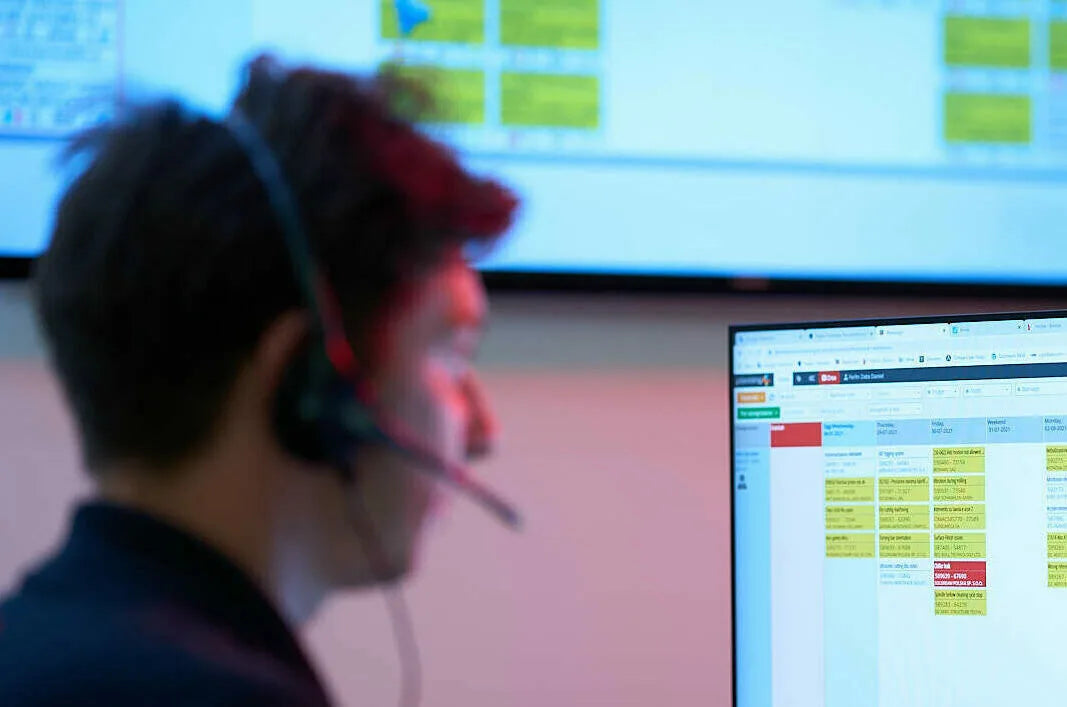
Breton Pulse is the advanced service platform designed to improve the efficiency and productivity of machines in the industrial manufacturing sector.
This space offers a complete "All-in-One" solution with tools designed to optimize every aspect of the business.
The platform that integrates advanced technology and historical know-how to transform the way companies operate, improving their competitiveness and market success.
ABA - Artificial Breton Assistant
The heart of Breton Pulse is ABA, the AI assistant that turns data into concrete actions, guiding you towards maximum results and simplifying business management.
One digital space
All applications, BI and services available in one digital space.
Performance
Management of production volumes, alarm monitoring, and management of tools and materials, ensuring optimal production at all times.
Consumption
Detailed analyses to improve efficiency and reduce energy costs, contributing to a more sustainable approach.
Maintenance
Management of routine and preventive maintenance to minimize downtime and extend the useful life of equipment.
Service Chat
A direct channel for assistance with alarm resolution, accessing technical documentation, and/or opening support tickets, ensuring fast and efficient problem resolution.
Spare Parts Catalog
Easy and immediate access to a vast catalog of spare parts, ensuring customers can quickly obtain the necessary parts for their machines.
Priority Call
A priority channel to get support within 2 hours thanks to our Customer Service.
Smart Doc
Digital documentation for quick resolution of alarms and machine stoppages.
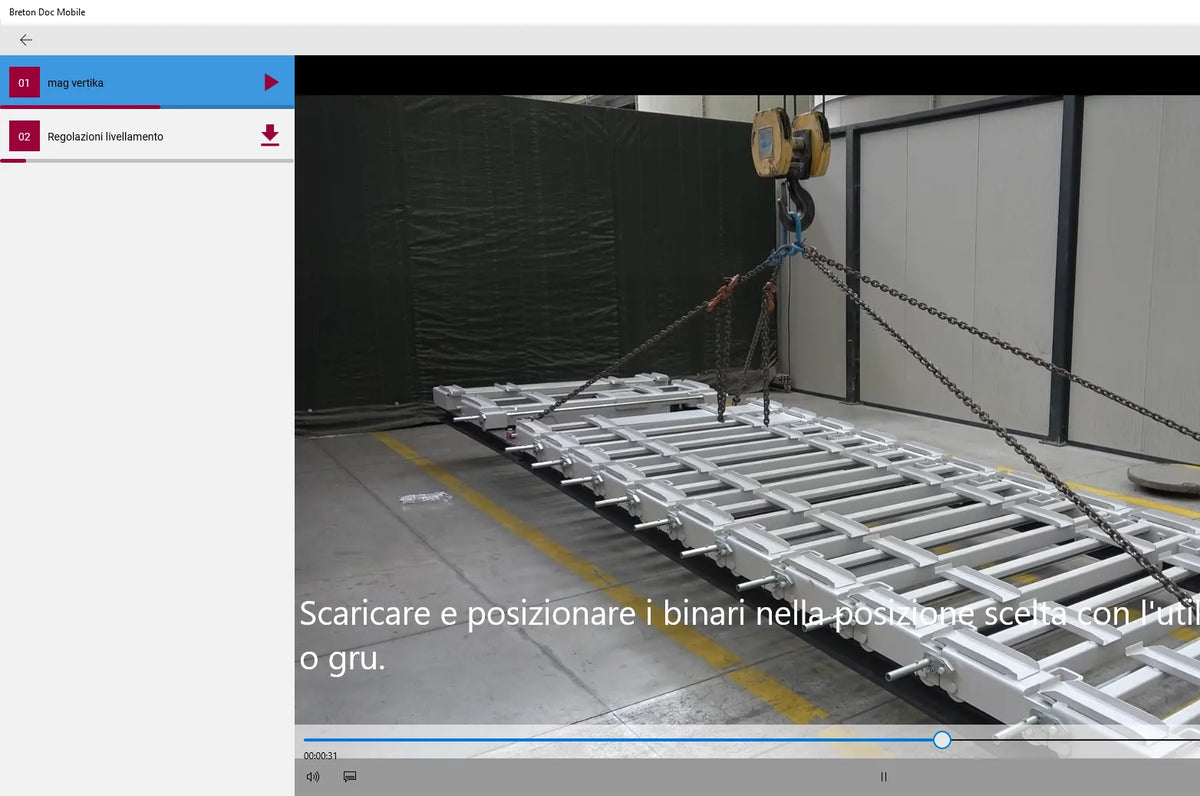
Video Tutorial
A portal of video assistance and troubleshooting for staff training.

Benchmaster
The new automatic vacuum pods positioning functionality represents an innovation that simplifies and enhances the management of numerically controlled stone CNC routers.
This advanced system makes it possible to configure the workbench layout directly on the machine, starting from the workpiece drawing and the ISO program.


SmartDOC
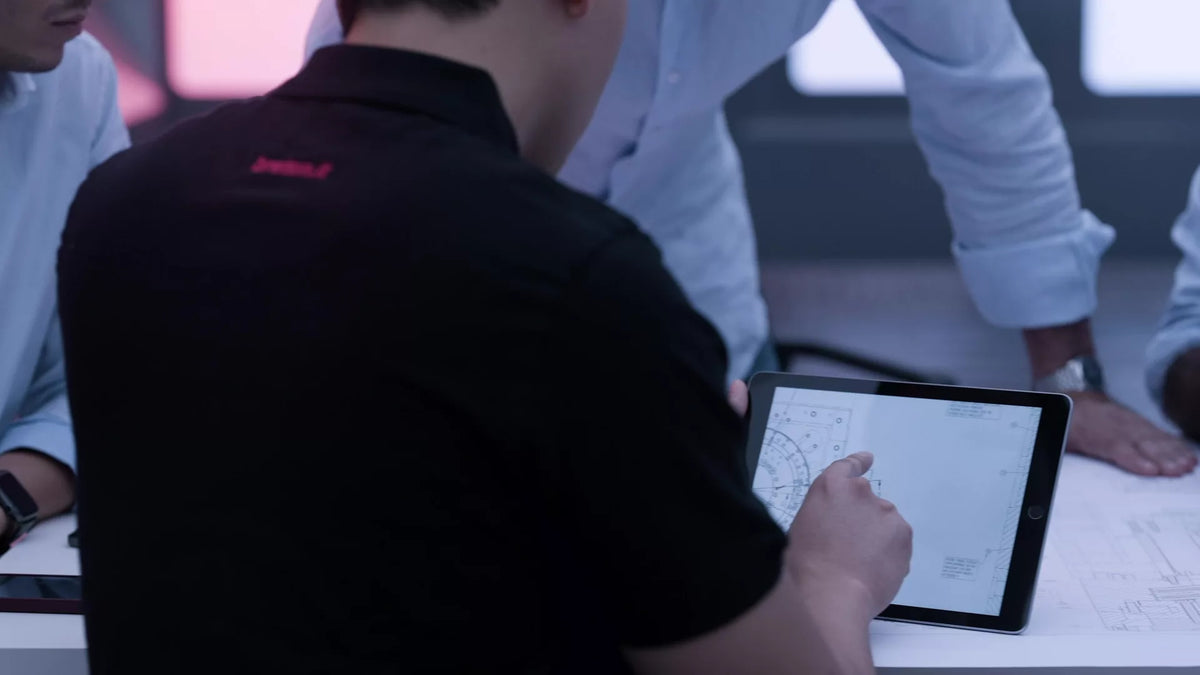
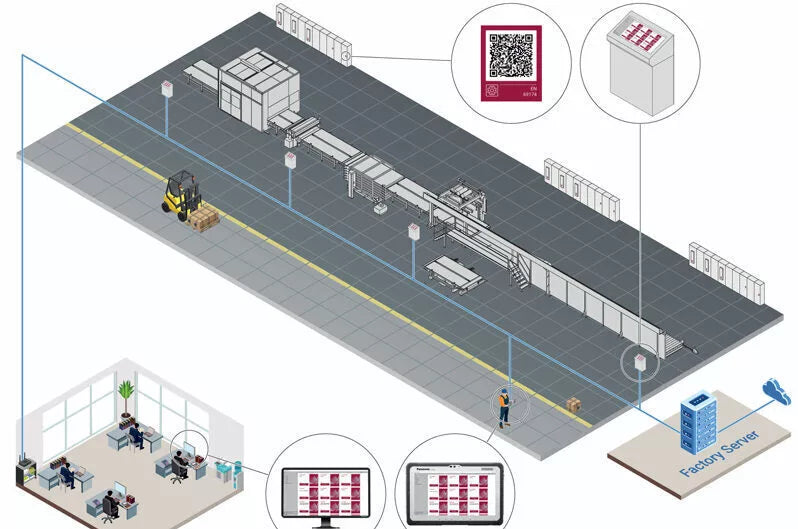
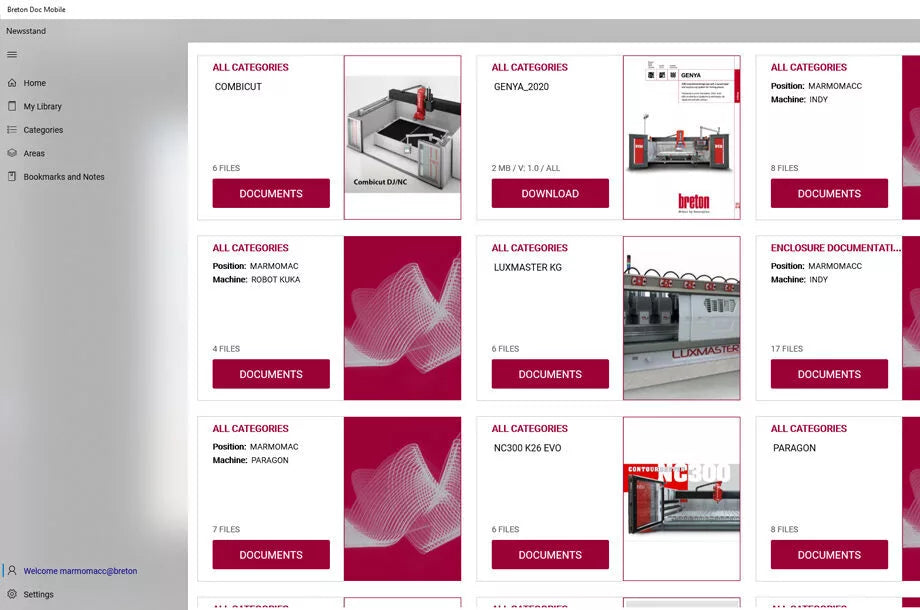
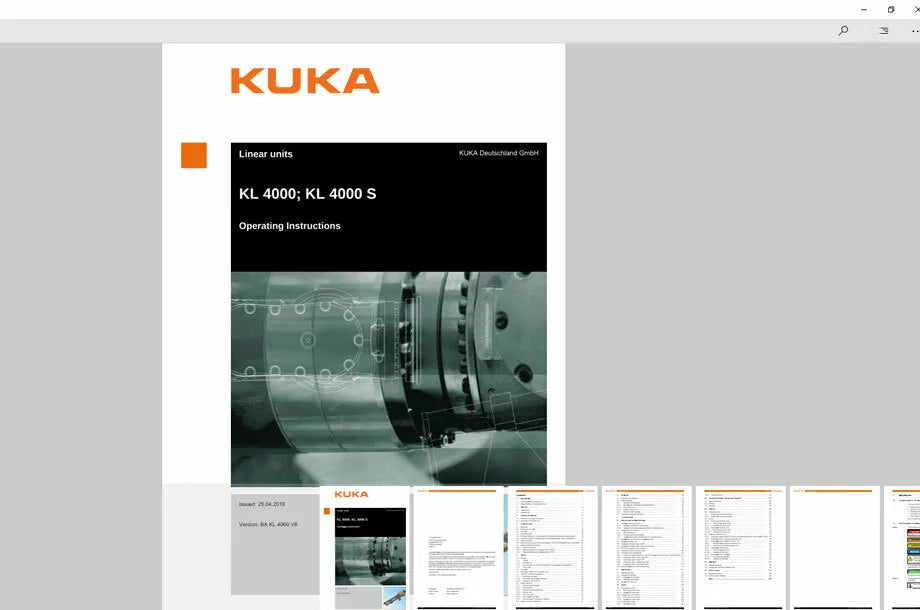
Breton SmartDOC is the document management system for the safe storage, organisation, use and sharing of all technical information, including operating manuals, spare parts catalogues, electrical schematics, video tutorials and personal notes.
Essential
The Essential package allows you access and comprehensively manage the company's technical documents from any device.
Premium
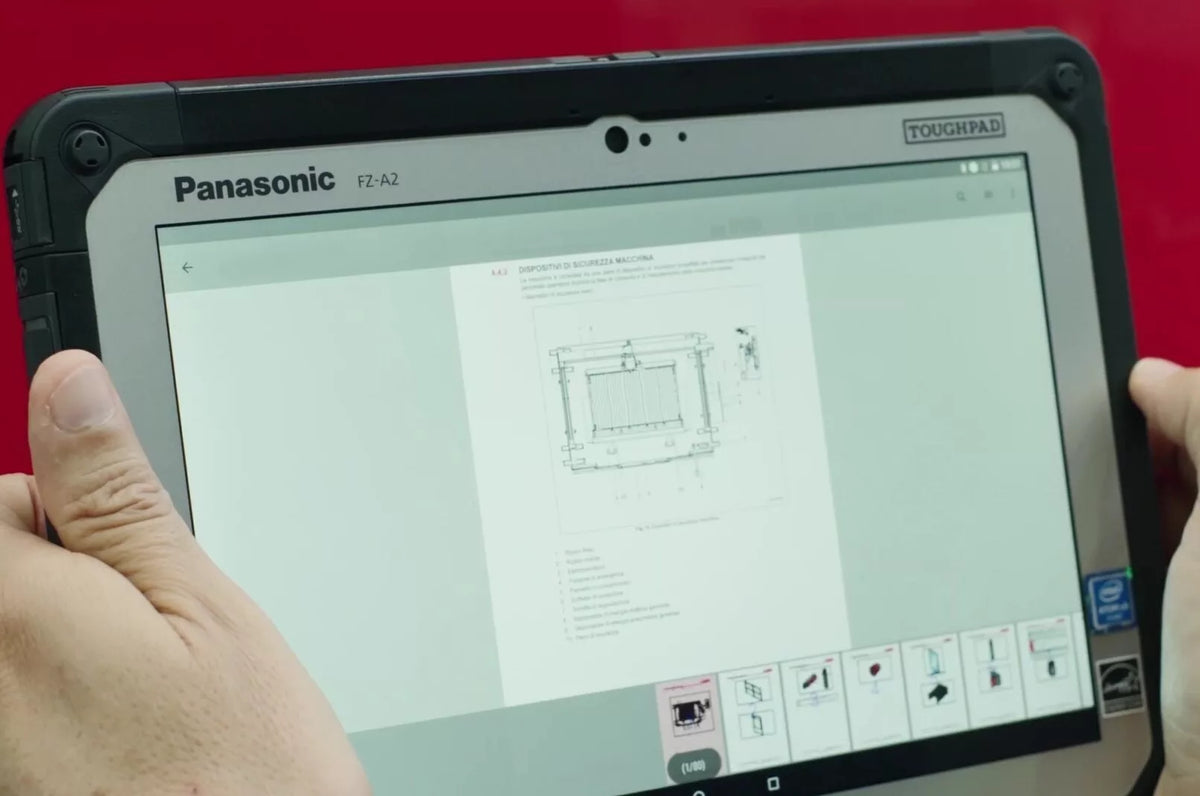
Apart from providing full access and management of the company's technical documents from any device, the Premium package includes the supply and setup of waterproof rugged tablets.
DOCView
DOCMobile is the app that makes it possible to consult technical documentation alongside the machine on a tablet or smartphone.
Thanks to the QR Code unlock function in DOCView, your technical documentation is safe from unauthorised disclosure.
DOCMobile
DOCMobile is the app that makes it possible to consult technical documentation alongside the machine on a tablet or smartphone.
Thanks to the QR Code unlock function in DOCView, your technical documentation is safe from unauthorised disclosure.
myDOC
The myDoc app allows you to upload and save your company documentation in a dedicated cloud space.
This function provides your company with a tool to share your files, which remain protected and are also available offline.
DOCrugged
DOCrugged allows you to use SmartDOC on the move with a waterproof rugged tablet, even in extreme conditions.